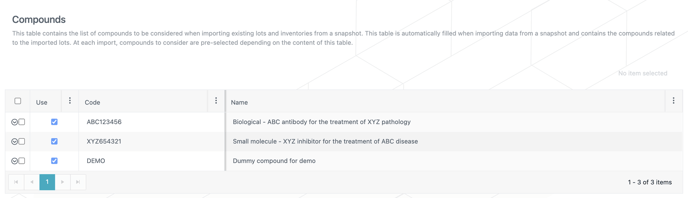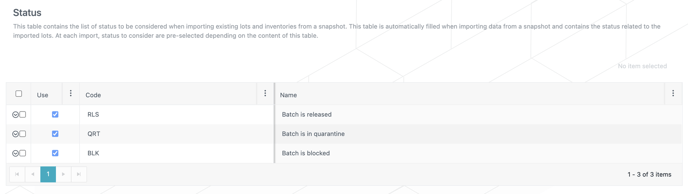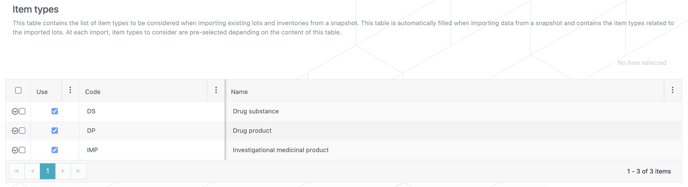
The N-SIDE Production App allows you to automatically fill in Compounds, Status and Item types tables when importing data from a snapshot. At each import, compounds and/or statuses and/or item types to consider are pre-selected depending on the content of this table.
Import process
-
Click on Import inventories from the Import menu.
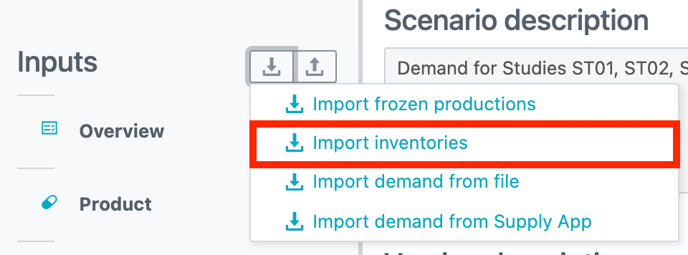
2. Choose the snapshot from which you want to import data
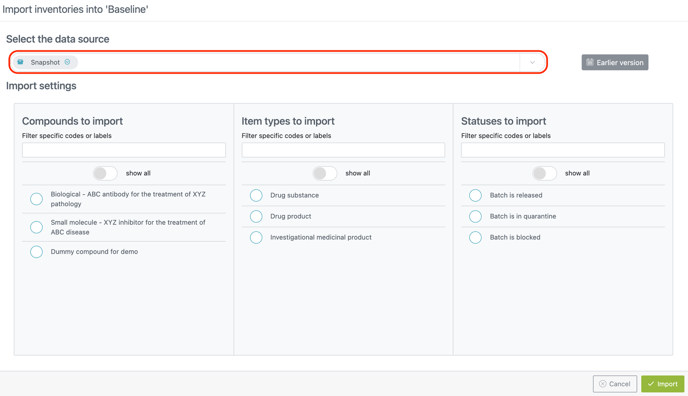
3. Choose the data you want to import : compounds and/or item types and/or statuses. You can import them all if desired.
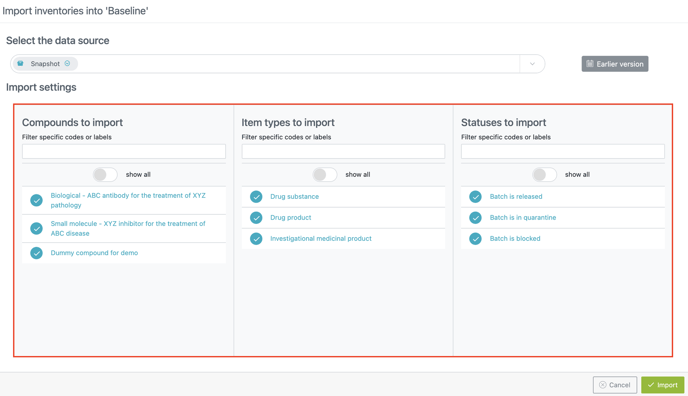
4. Click on IMPORT
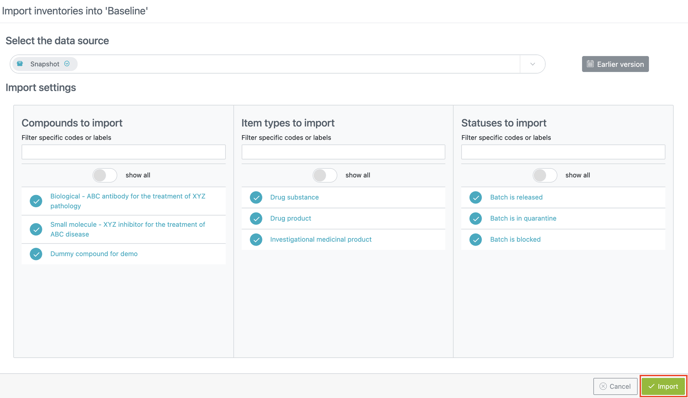
5. Compounds, Status and Item types tables are automatically filled.