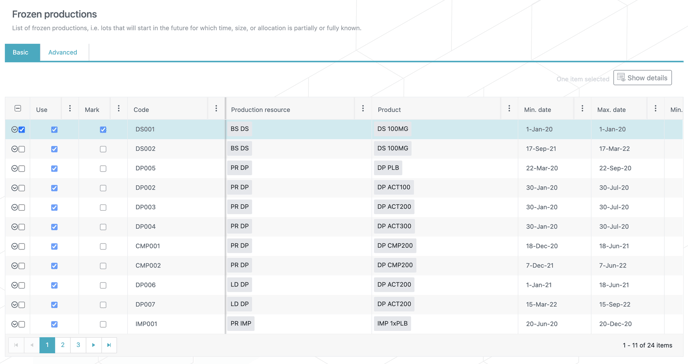
In the N-SIDE Production App, the Frozen productions table can be automatically populated by importing productions from a previous result as “frozen”.
To do that, users can follow this simple process:
-
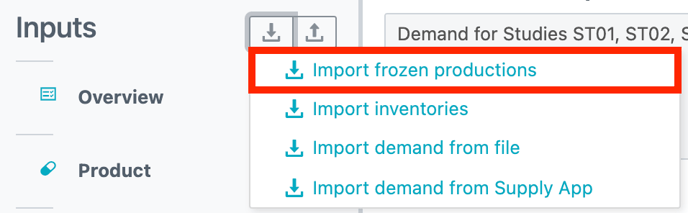
Click on Import frozen productions from the Import menu.
2. Choose the result you want to import the productions from and then click IMPORT.

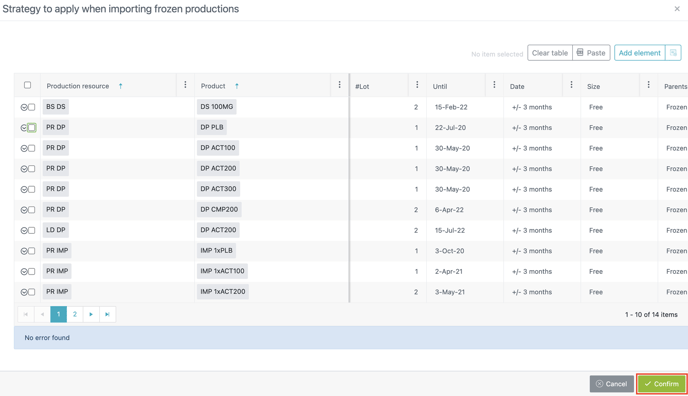
3. A new window opens which displays the frozen productions that will be imported. Click on CONFIRM
4. The Frozen productions table is automatically filled with the imported productions.