Table of contents
1. Get a better user experience with tables
1. Get a better user experience with tables
1.1. Gain efficiency in data management
You can now perform any action on tables with up to 10.000 rows in a few seconds.
If you need to update the whole table, it is still recommended to export the table and then use the "Paste from Excel" action.
A "Large data" label has been added to tables with more than 10,000 rows. This label notifies you that performance may be affected when working with tables of this size. Additionally, a loading indicator (see image below) will appear when the table takes longer to load.

1.2. Experience a smoother edition
You can now edit a cell by double-clicking on it.
You can select all rows of a table in one click (see visual below).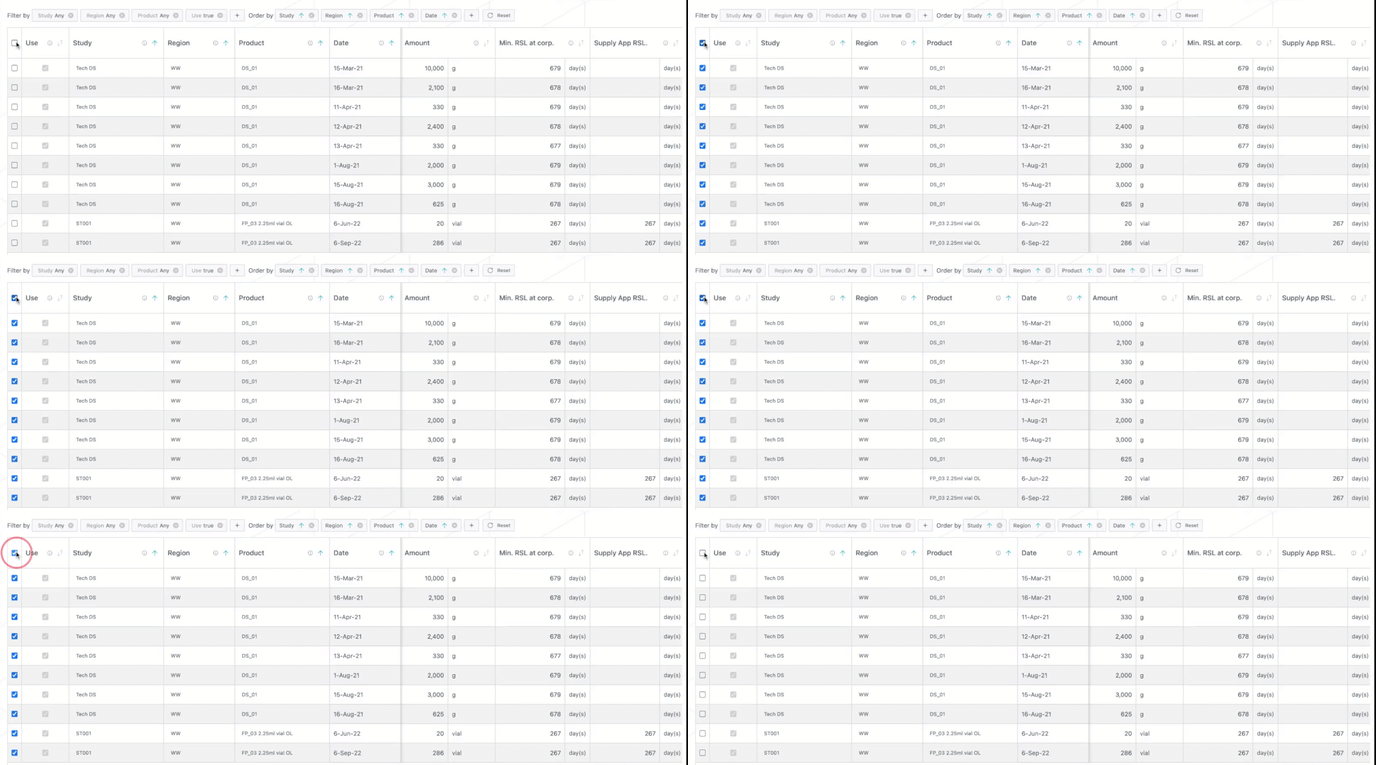
In case you need to select all rows of the visible page, you can use the [Shift + Cmd] command.
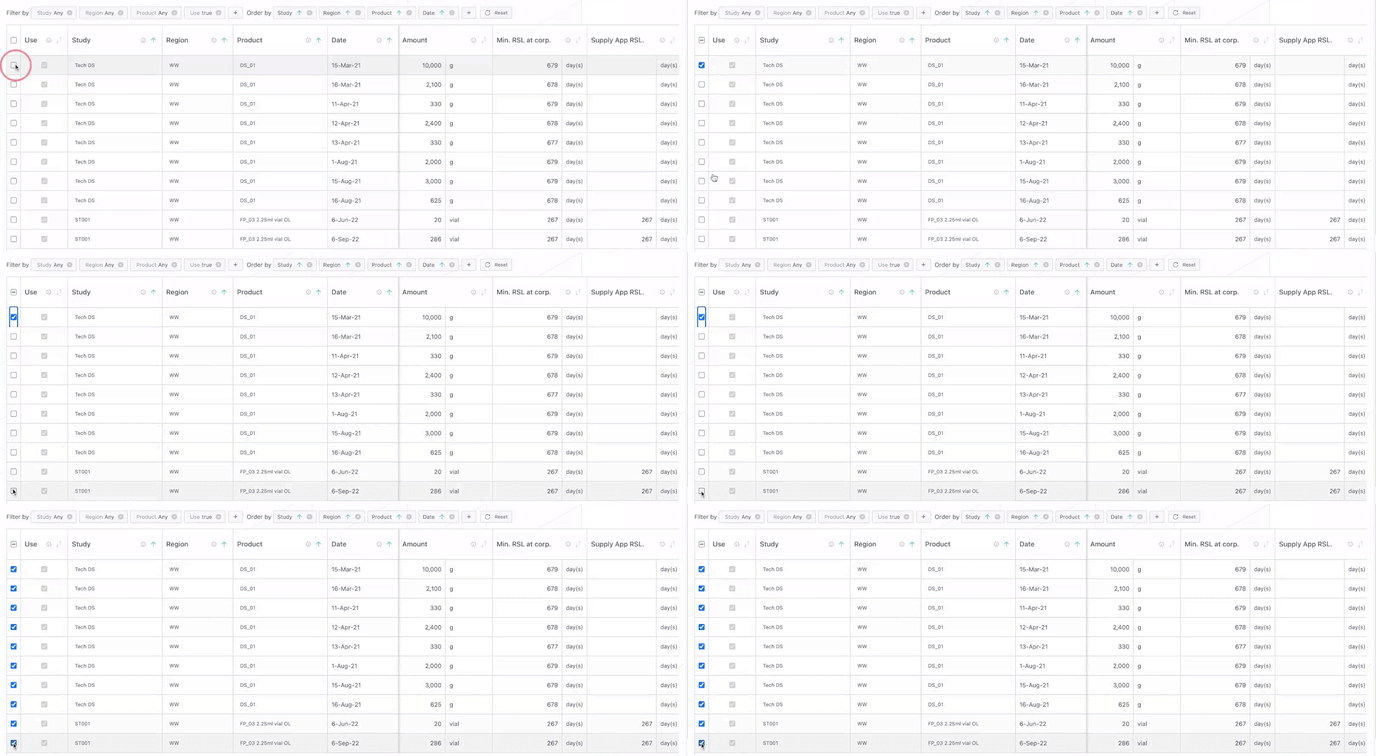
When only some rows are selected, clicking on the top left box:
-
selects all lines if less than half the lines are selected
-
unselects all lines if more than half the lines are selected
1.3. Order the tables faster
You can now order in one click again.
Clicking on the arrow in the column title (see image below) either:
-
places the corresponding ordering criteria in first position
-
changes the already applied order in the opposite direction
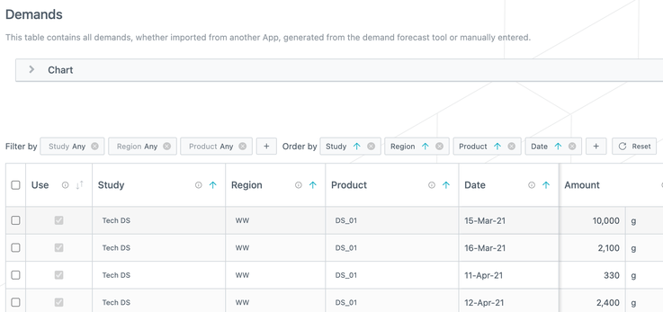
In addition, the "Reorder rows" button now remains visible even when some rows are selected.
1.4. Set your filters faster and better understand them
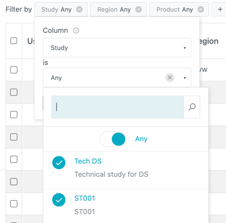
Filtering now directly displays the list of available references (see image on the right).
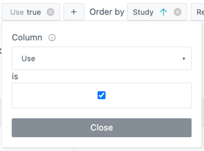
Filtering on a checkbox now directly displays a checkbox that mimics the one in the table.
In addition:
-
The filters and orders are now visible by default.
-
Filters can now be applied to all columns.
2. Other updates
-
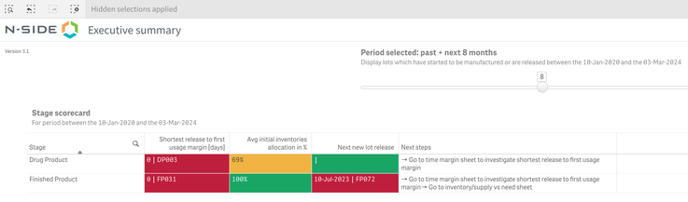
The minimum lot allocation in the "Executive summary" page of the dashboard has been replaced by the average initial inventories allocation which gives better idea of the current stock allocation.
-
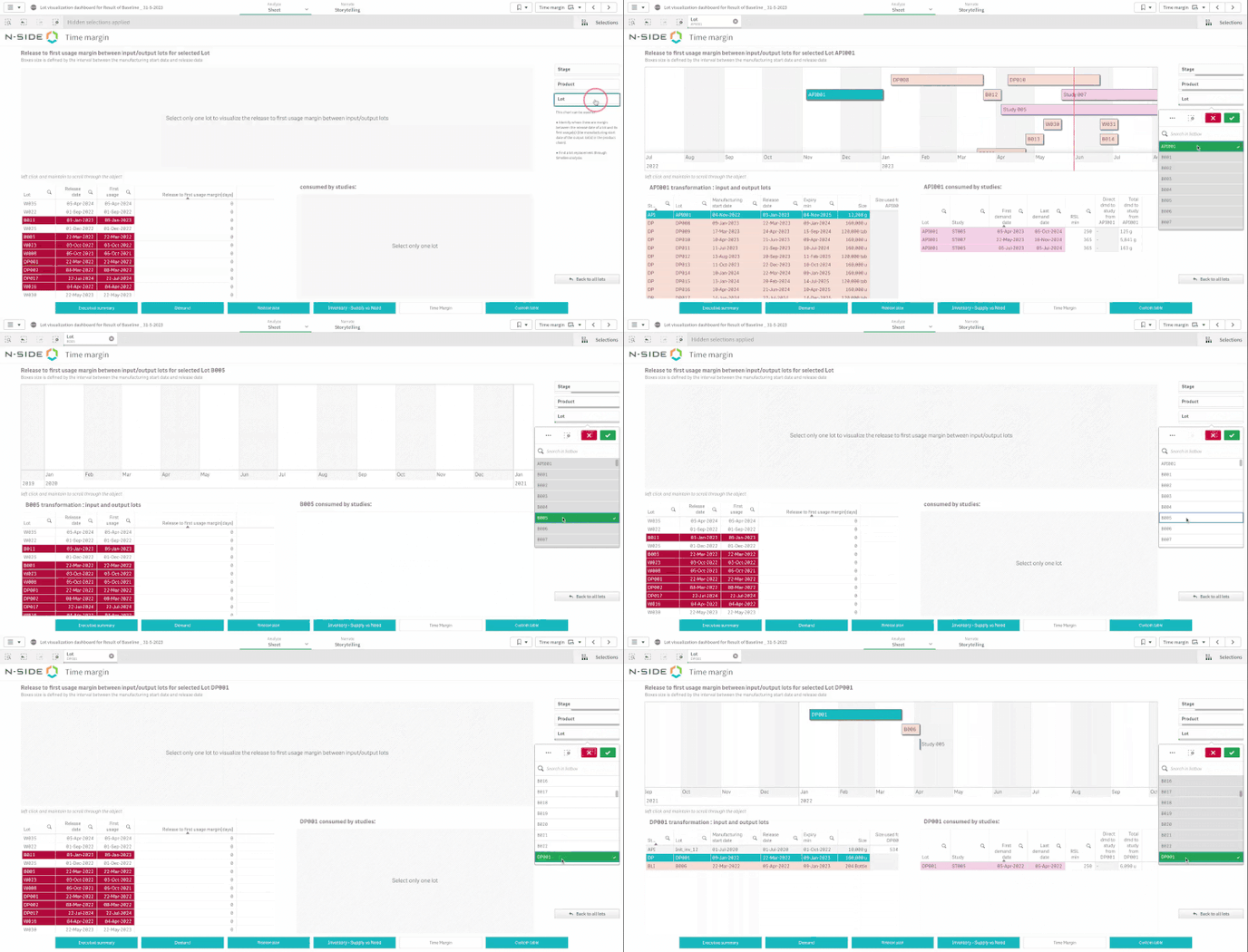
In the "Time margin" sheet of the dashboard, you are now automatically redirected to the selected lot in the "Time margin" when filtering on it.