Table of contents
1. Connect trials to multiple project masters
1.1 Context
In order to model trials using active products from several projects, usually called umbrella studies, improvements were made to the connection of trials with project masters. Indeed, to correctly align such trial with the source of truth, it must connect to every project master.
1.2 Changes
A new table in Project Master has been added to connect trials to multiple projects.
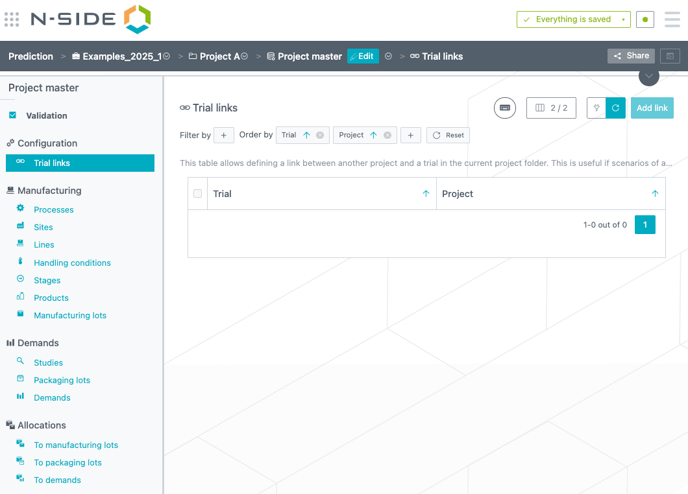
Through this view, by clicking on “Add Link”, it is possible to connect a trial under the current project to another project.
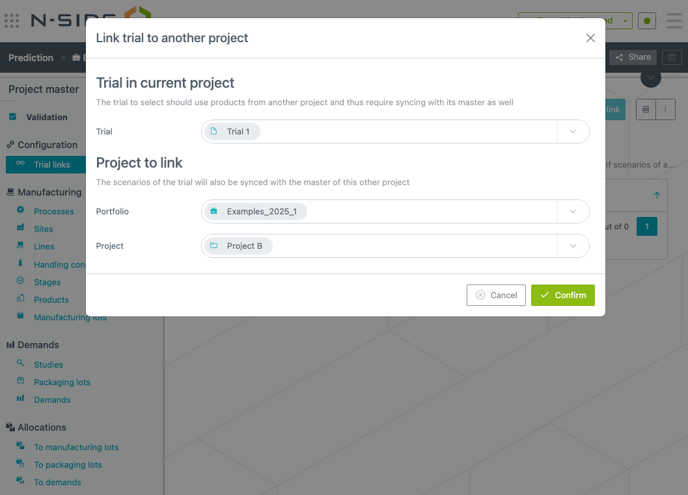
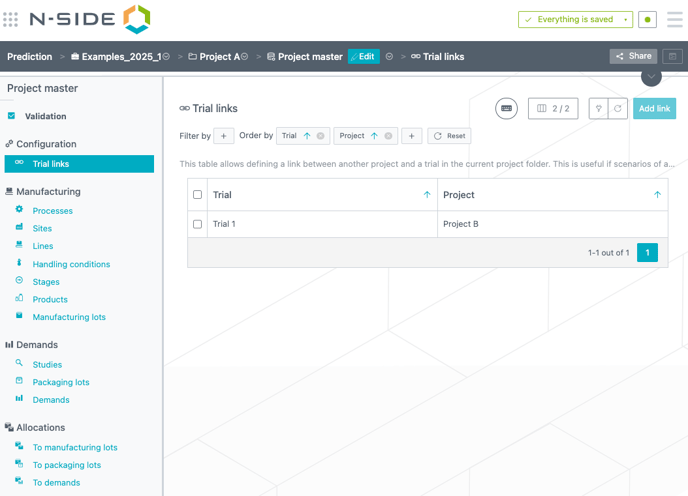
Thanks to this, the trial scenarios will sync with both, its own project master, as well as the project master of the project specified in that table.
1.3 Example
Let’s consider a trial that compares the efficiency of two products: Product A, Product B. These products would be handled in different projects.
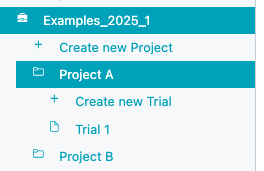
By linking, the trial that is currently in Project A also to the Project B, it will sync with both Project Masters (see below the project master of respectively project A and project B).
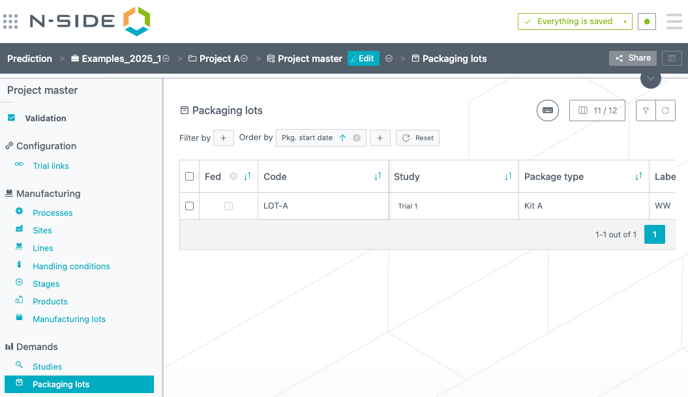

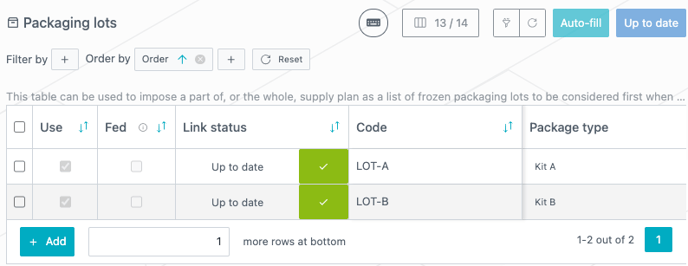
As such, the import of packaging lots into the trial scenario will import packaging lots from both Project A and Project B. The below screenshot shows a trial scenario with 2 updates required from the master data (one from each of them).
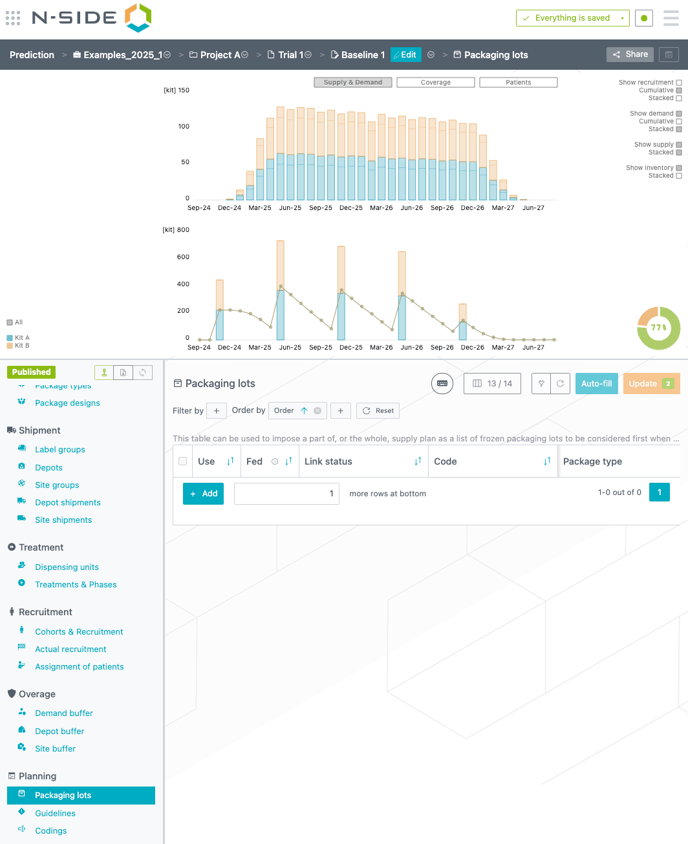
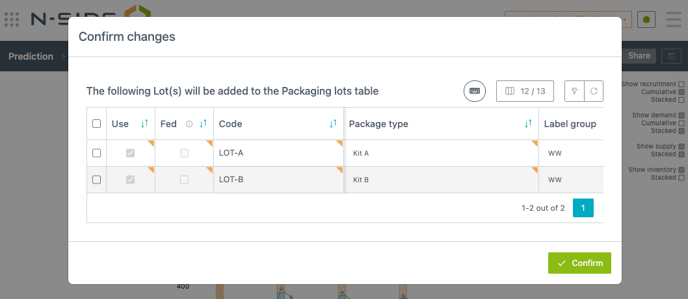
When hitting the orange Update button, the lots existing in each project master to which the trial is linked will be imported (see the imported content in the below screenshot, as well as the resulting packaging lots created in the trial scenario).
2. Various
-
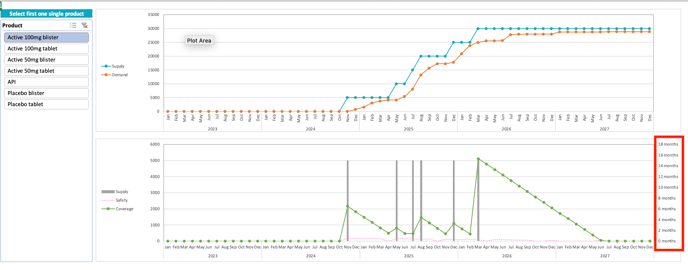
Improved coverage graph readability in project forecast report by displaying month units.
-
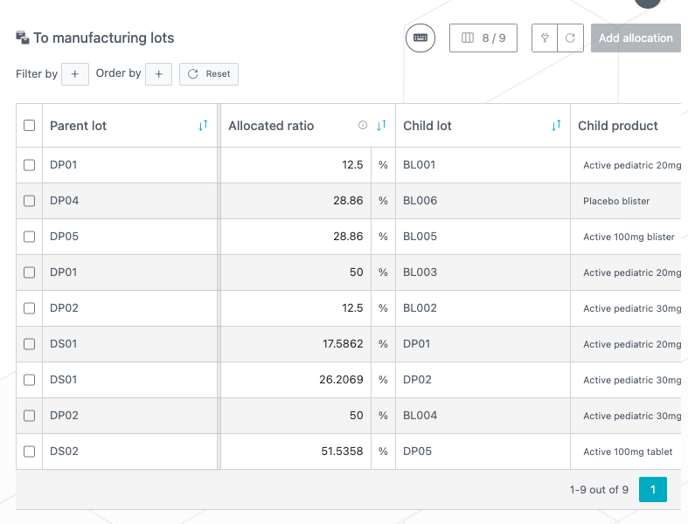
Improved allocation tables readability in project master by having “Parent lot” column frozen when scrolling.